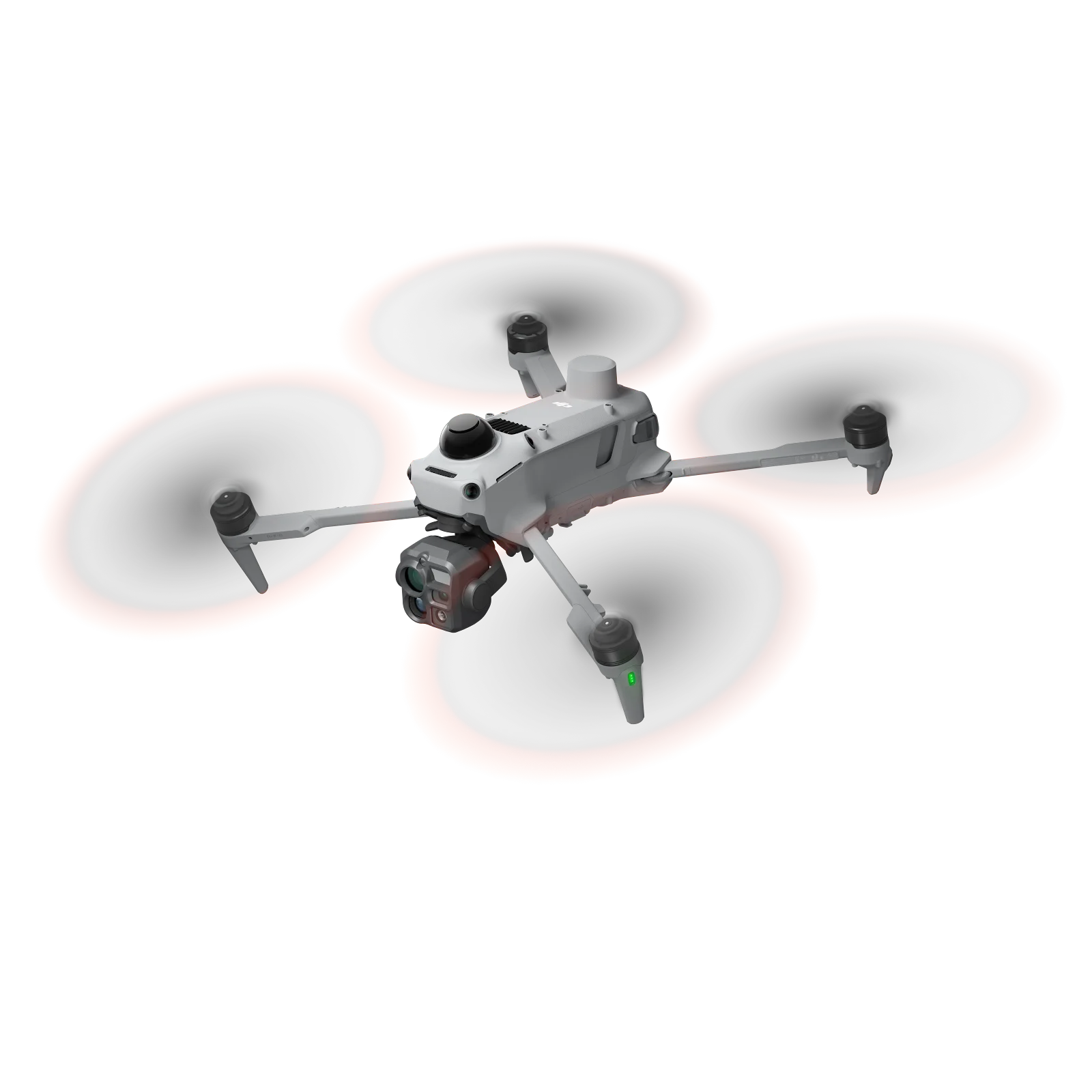
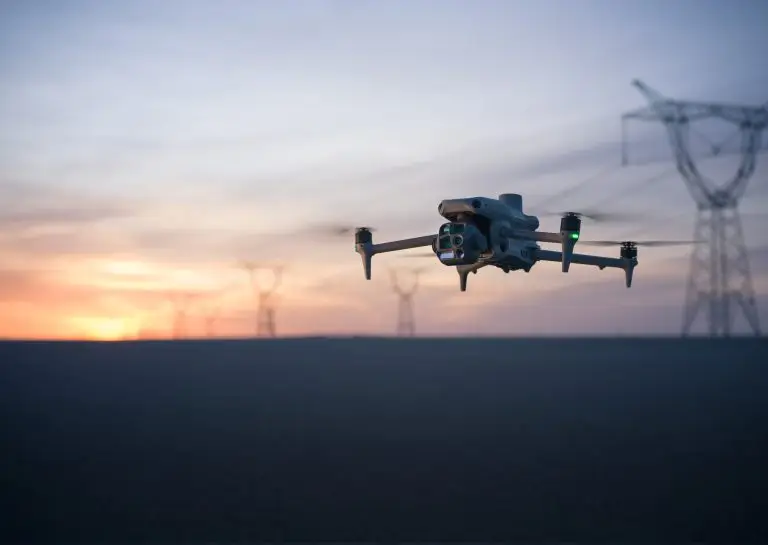
The DJI Matrice 4E and Matrice 4T have been flying in South Africa since early 2025, and DJI keeps adding features through firmware. The biggest safety change is support for the DJI Matrice 4 Obstacle Sensing Module, a LiDAR-based add-on that helps the aircraft see thin wires and poles. Here is what changed, and what to check before you update.
Firmware changes often. Always read DJI’s current release notes on the Matrice 4 Series downloads page before updating. Version numbers below are from DJI’s published notes at the time of writing.
The Obstacle Sensing Module
The Matrice 4 series already has omnidirectional vision sensors for obstacle avoidance. Vision works well in daylight, but it struggles with thin wires, low light and plain surfaces. The Obstacle Sensing Module adds LiDAR for horizontal and upward sensing, while the aircraft’s built-in millimetre-wave radar covers downward sensing.
- Detects wires down to about 12 mm thick, poles and other slim obstacles.
- Works at flight speeds up to 15 m/s.
- Helps in low light and in cluttered sites such as substations.
The module first launched for the Matrice 4D and 4TD (the DJI Dock 3 aircraft). DJI’s August 2025 firmware (aircraft v14.03.00.09) added support for the Matrice 4E and 4T.
Other notable firmware changes
- Manifold 3 support: with the Matrice 4E, this enables Smart 3D Explore, which builds a rough real-time 3D model and sends it to the controller for route planning.
- Patrol routes: support for third-party visual recognition, plus infrared, mapping and live-streaming improvements.
- Dock 3 / Matrice 4D: when the vision system is working, the aircraft can fly around obstacles on route missions and return-to-home; when it is not, it follows the original route home.
- 2026 updates: DJI has since added features such as a 100 MP panorama mode. Check the downloads page for the latest list.
Before you update
- Update everything together. The aircraft, remote controller (DJI RC Plus 2 Enterprise), batteries and any D-RTK 3 or dock should run matching firmware.
- Check anti-rollback. DJI notes that once updated, the remote controller cannot go back to v01.61.04.05 or earlier. Do not update in the middle of a job.
- Charge first. Keep the aircraft and controller above 50% and do not power off during the update.
- Update DJI Pilot 2. New features often need the matching app version.
- Re-check settings. After an update, confirm return-to-home height, obstacle avoidance behaviour and camera settings before flying a mission.
Using LiDAR obstacle sensing safely
Obstacle sensing reduces risk; it does not remove it. Very thin cables, wet or reflective surfaces, rain and fast flight can still beat the sensors. Plan routes with enough clearance from power lines, keep visual line of sight where required, and follow SACAA rules and your operations manual.
Need help?
Omnisky supplies the DJI Matrice 4T, Matrice 4E and Dock 3 systems, and our workshop can update and test your fleet’s firmware, calibrate sensors and repair Matrice 4 aircraft. Book a service or talk to an expert.